Features · Arena
One prompt, every model.
Send the same prompt to two to six models and read the results side by side, each with its time, tokens and cost. Compare text, image, audio or video models, cloud or local, and run a round blind when you want a fair pick.
Compare
Same prompt, side by side.
Type a prompt once and press Run. Every model in the lineup answers it in its own card: cloud models start together, local models take turns on your machine, and text streams in as it is written. Each card closes with its time, first output, tokens and cost, so speed and price sit right next to quality.The three answers open real, unedited outputs of each model for the same prompt; the full answers are on their catalog pages.
Lineup
Two to six models, any route.
Open Models in the header, choose what to compare (text, image, audio or video), then fill two to six slots from your whole catalog: cloud models through Runware, OpenRouter, Replicate or a vendor key, local models through Ollama, Hugging Face or GGML. One model can sit in the lineup twice on different routes, so you can see whether the route changes the answer, the speed or the price. The lineup stays with the comparison and applies to the next round.
Image
One shape for every render.
Choose an aspect ratio under the prompt and each model gets the closest shape it supports, so the cards line up for a fair look. Settings every chosen model shares, such as the output format, get their own select; everything else stays on each model’s default. Pick the render you like and its card takes a check. Every image is saved in your project folder, in a folder named after the comparison.The three renders are real Nano Banana 2.1, Flux 2 Pro and Seedream 5 Pro outputs for the same product prompt.


Audio
Hear them back to back.
Choose Text to Speech, Music or Sound Effects and the lineup lists only that kind of model. Speech models read your script on their default voices, and music and sound-effect rounds can share a target length that each model fits as closely as it can. Every clip plays on its card and is saved in your project folder.
Video
Three takes on the same shot.
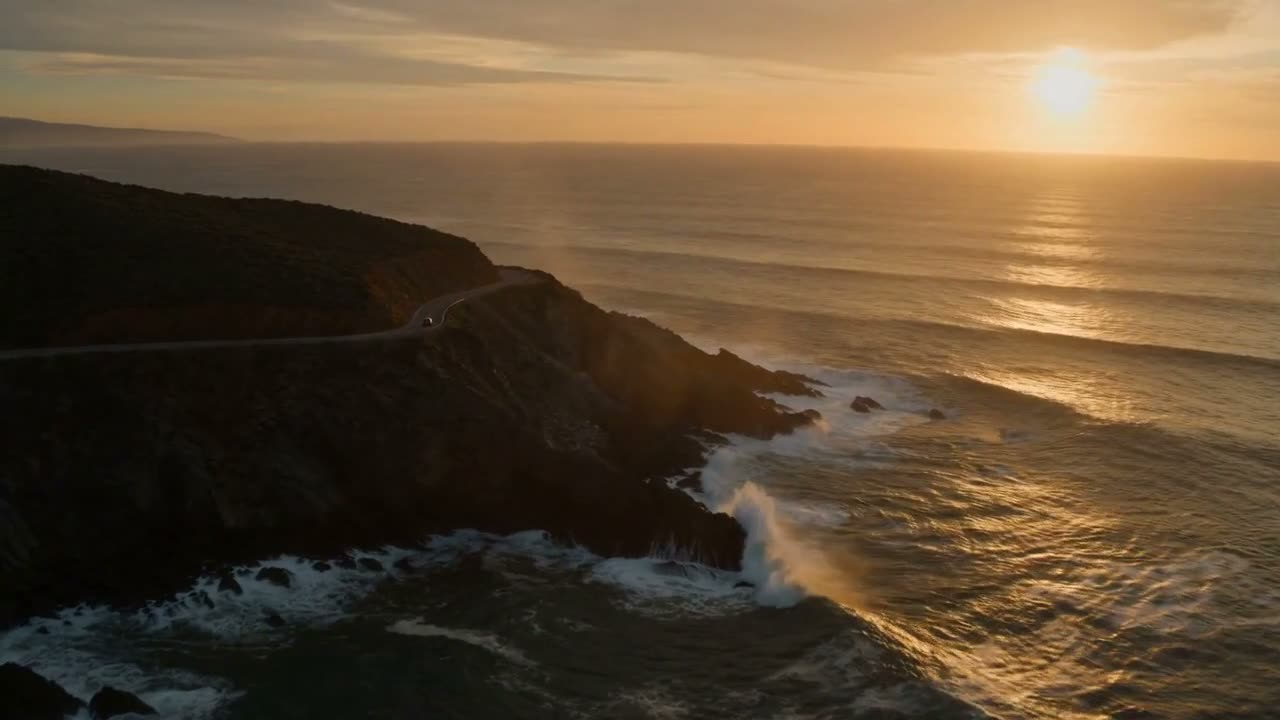
Video rounds share an aspect ratio and a length, either each model’s default or 4 to 10 seconds fitted per model, and every clip plays on its card and lands in your project folder. Models that need a source clip, such as video upscalers and editors, stay out of the lineup, since a round starts from a prompt alone.The frames are the first frames of real Veo 3.1, Kling 3.0 and Seedance 2.0 clips for the same prompt.


Blind
Judge the output, not the name.
Turn on Blind and the next round shuffles its cards and names them Model A, Model B and Model C. Pick the one you prefer and the names come back for good, or press Show models to reveal them for the visit. While the names are hidden, Show in folder stays off, because the saved file names include the model.
Workspace
Built for rematches.
A comparison is a thread of rounds you can come back to, tweak and run again.
Rounds you can step throughEvery Run adds a round to the comparison. Step back and forward with the pager or the arrow keys; each round brings its prompt and settings back into the box, so a small tweak runs as a new round.
Cost on every cardRunware, OpenRouter and xAI report what they billed for each result. Other routes show an estimate from published rates, and local models are free.
Your prompt, verbatimArena sends exactly what you typed, with no instructions added and every model on its defaults, so the difference you see comes from the models.
Open in TextCopy a text answer, or open it in the Text workspace as a new document in your project, ready to edit.
Stop keeps what came backStop ends a round at once. Text that already streamed stays on its card, and models that were still waiting are skipped.
Runs in the backgroundSwitch to another comparison while a round is running. It keeps going and saves every result.
Files in your projectImage, audio and video results are plain files in a folder named after the comparison, and renaming the comparison renames the folder.
One pick per roundPick the result you like and its card takes a check. Press the check again to take the pick back.
Saved on your machineComparisons, rounds and picks live in the app's local database. Deleting a comparison removes its rounds and keeps its files.
FAQ
Arena questions, answered.
How model comparison works in CSuite: lineups, rounds, blind picks, shared settings, costs and files.
A workspace for comparing models. You choose two to six models, type one prompt and press Run: every model answers it and the results appear side by side, each with its time, tokens and cost. Each Run is a round, and a comparison keeps all of its rounds, so you can step back through them later.
Any model in your catalog for the type you choose: text, image, audio (speech, music or sound effects) or video. Cloud models run through Runware, OpenRouter, Replicate or a vendor key, and local models through Ollama, Hugging Face or GGML. Models you have hidden from the workspace pickers are listed too. Models that need a source file, such as image upscalers and video editors, and transcription models are left out, because a round starts from a prompt alone.
Yes. One slot can hold Claude Sonnet 5.5 on Runware and another the same model on OpenRouter, so you can see whether the route changes the answer, the speed or the price. The one rule is that two slots can't hold the same model on the same route; the picker marks that pair as already in the lineup.
With Blind on, the next round shuffles its cards and names them Model A, Model B and so on, without the route. Pick the result you prefer and the names come back for good; Show models reveals them for the visit without a pick. Until then Show in folder stays off, because the saved file names include the model.
Every model gets your prompt exactly as you typed it, without your Account instructions, and runs on its own defaults. Image and video rounds share one aspect ratio that each model fits as closely as it can, video, music and sound-effect rounds can share a target length, and any setting all the chosen models have in common, such as an image format, appears under the prompt with the values they all accept.
Each card ends with a stats line: total time, time to first output for text, input and output tokens, and cost. Runware, OpenRouter and xAI report what they billed, and the card says billed; other routes show an estimate from the model's published rates, and local models read Free, ran locally. You pay each platform directly, with no CSuite markup.
Text answers are stored with the comparison; copy one, or open it in Text as a new document in your project. Image, audio and video results are saved as files in your project folder, inside a folder named after the comparison, and each card has Show in folder. Deleting a comparison keeps its files.
Cloud models in a round start together. Local models take turns on your machine, one after another, and a card that is waiting says so. You can open another comparison while a round runs; it keeps going and saves its results.
Its card shows the error and the rest of the round stands. Arena never swaps in another model, so a failure is that model's result. Stop ends the round at once: text that already arrived stays on its card, and models still waiting are skipped.
On your computer, in the app's local database: comparisons, rounds and picks. Your prompt goes to the provider of each cloud model in the lineup, as with any generation, and local models keep it on your machine.